




























Latest Posts
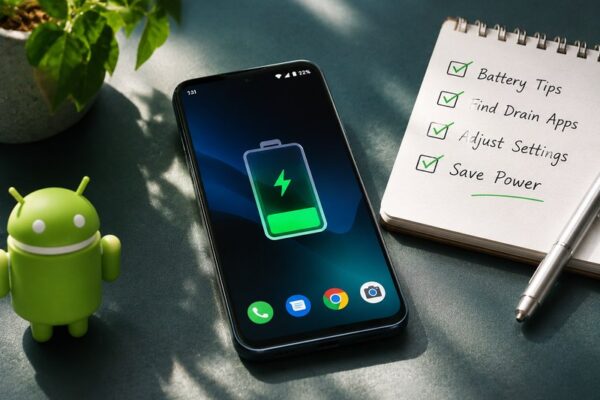
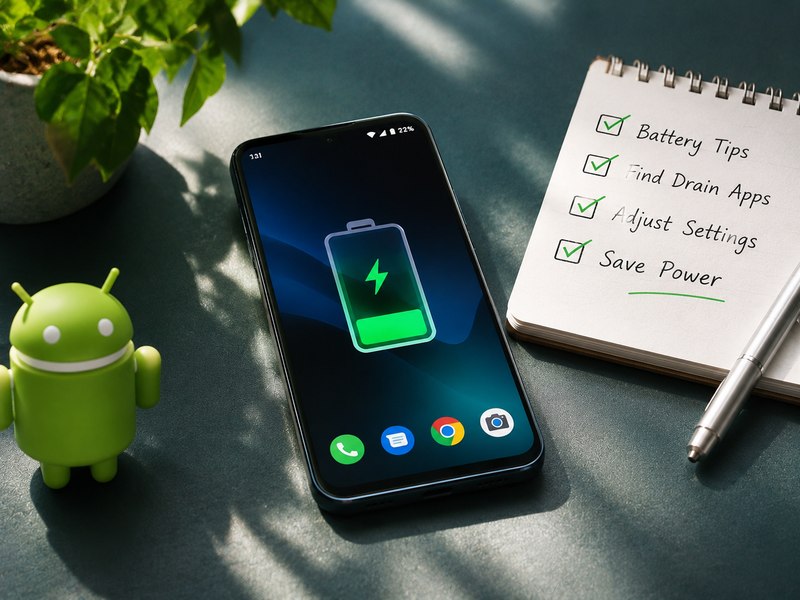
How to Fix Android Battery Drain: Causes and Settings That Help
Open Settings > Battery to see which apps use the most power, then restrict background activity for those apps, lower screen brightness and refresh rate, turn off features you do not use (location, Bluetooth, always-on display), and update your software. If the battery still drains fast, the cause is usually a misbehaving app, poor signal,…

GTA 6 Trading Cards Are Becoming Real: Rockstar and Panini Announce Official Collectible Card Collection
The world of Grand Theft Auto VI is expanding beyond video games. Rockstar Games has partnered with Panini America to turn one of the game’s fictional collectibles into something fans can actually own: physical trading cards. Announced on November 24, 2026, the new GTA VI: Sports Trading Card Collection brings the fictional sports cards found…

Early Black Friday Laptop Deals: $1,500 Off an RTX 5070 Gamer and Half Off an HP OLED 2-in-1
Black Friday is only days away, and retailers have already started cutting laptop prices. The biggest early discounts so far are on gaming laptops with RTX 5070 graphics and premium OLED 2-in-1s. Here are the standouts and what to check before you buy. Best gaming laptop deal: over $1,500 off an RTX 5070 laptop The…
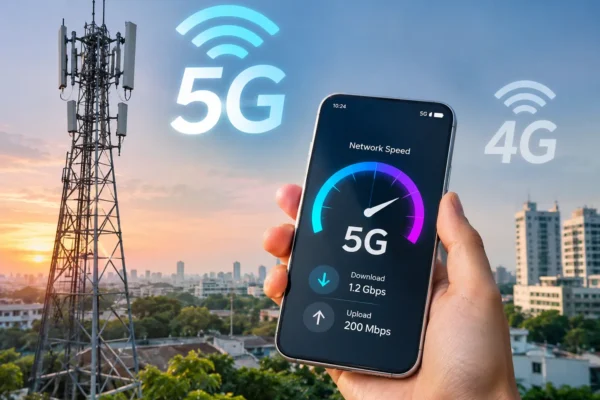
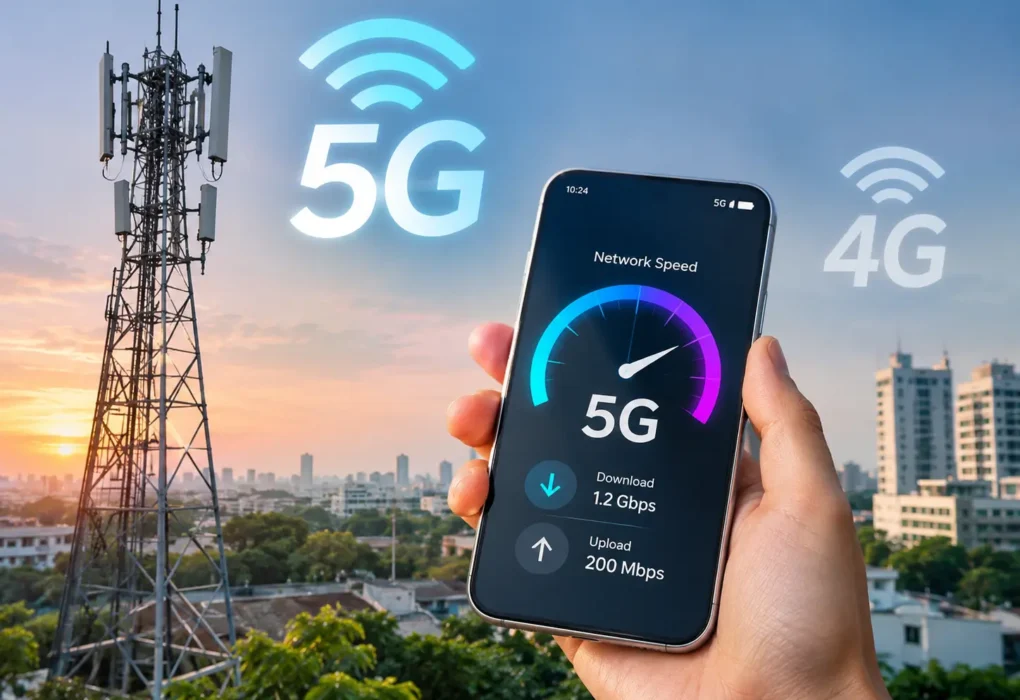
What Is 5G? Speed, Coverage and How It Differs from 4G
5G is the fifth generation of mobile network technology, designed to deliver faster speeds, lower latency (delay) and the capacity to connect far more devices than 4G. In real-world use, 5G is commonly several times faster than 4G, with typical speeds ranging from around 100 Mbps to over 1 Gbps depending on the network, the…

What Is Generative AI and How Does It Work?
Generative AI is a type of artificial intelligence that creates new content, such as text, images, audio, video and code, in response to a prompt. It learns patterns from huge amounts of existing data and then uses those patterns to generate new, original-looking output instead of only analyzing or classifying data. Well-known examples include chatbots…
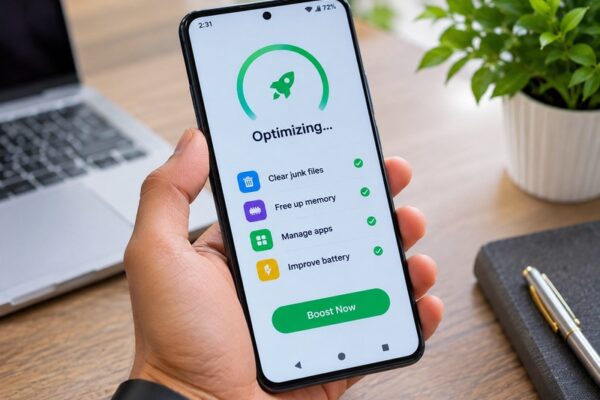
How to Speed Up a Slow Android Phone: 14 Fixes That Work
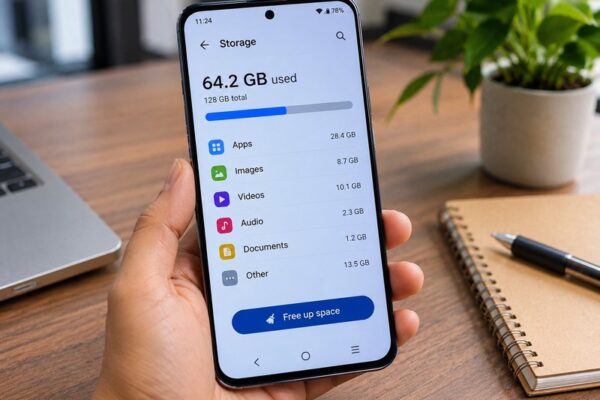
Restart the phone, update Android and your apps, free up at least 10 to 15 percent of storage, uninstall or disable heavy apps you do not use, and clear the cache of slow apps. If it is still slow, reduce animations, limit background activity, check for malware, and as a last resort, back up your…